


Empower Your Field Teams with a Powerful Mobile App
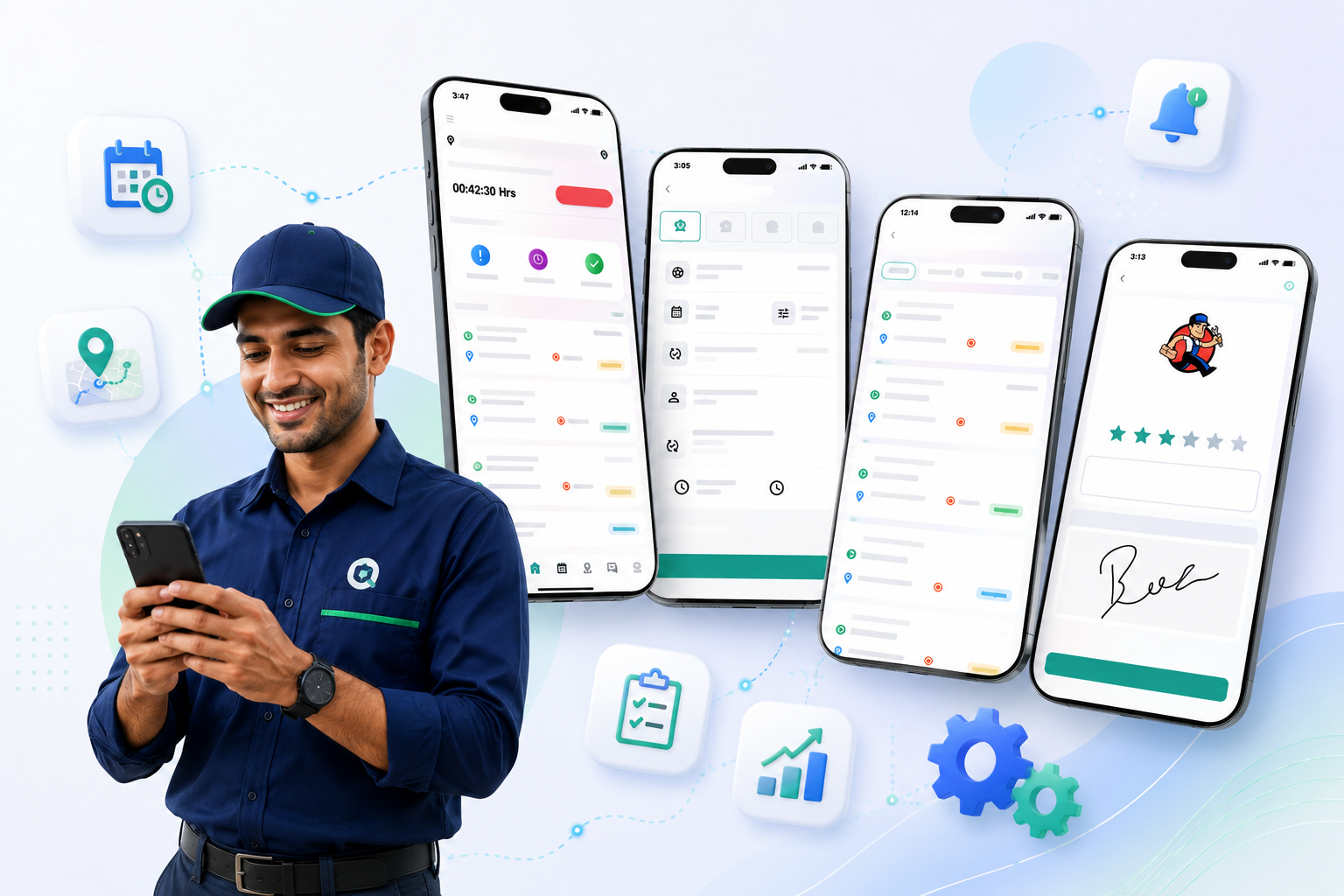
QuikFSM Mobile Field Service App gives technicians everything they need to manage service jobs from anywhere. Access work orders, schedules, customer information, inventory, and job updates in real time using a single mobile application.
Improve technician productivity, reduce paperwork, and deliver faster, more efficient field service.
Everything Your Technicians Need in One Mobile App
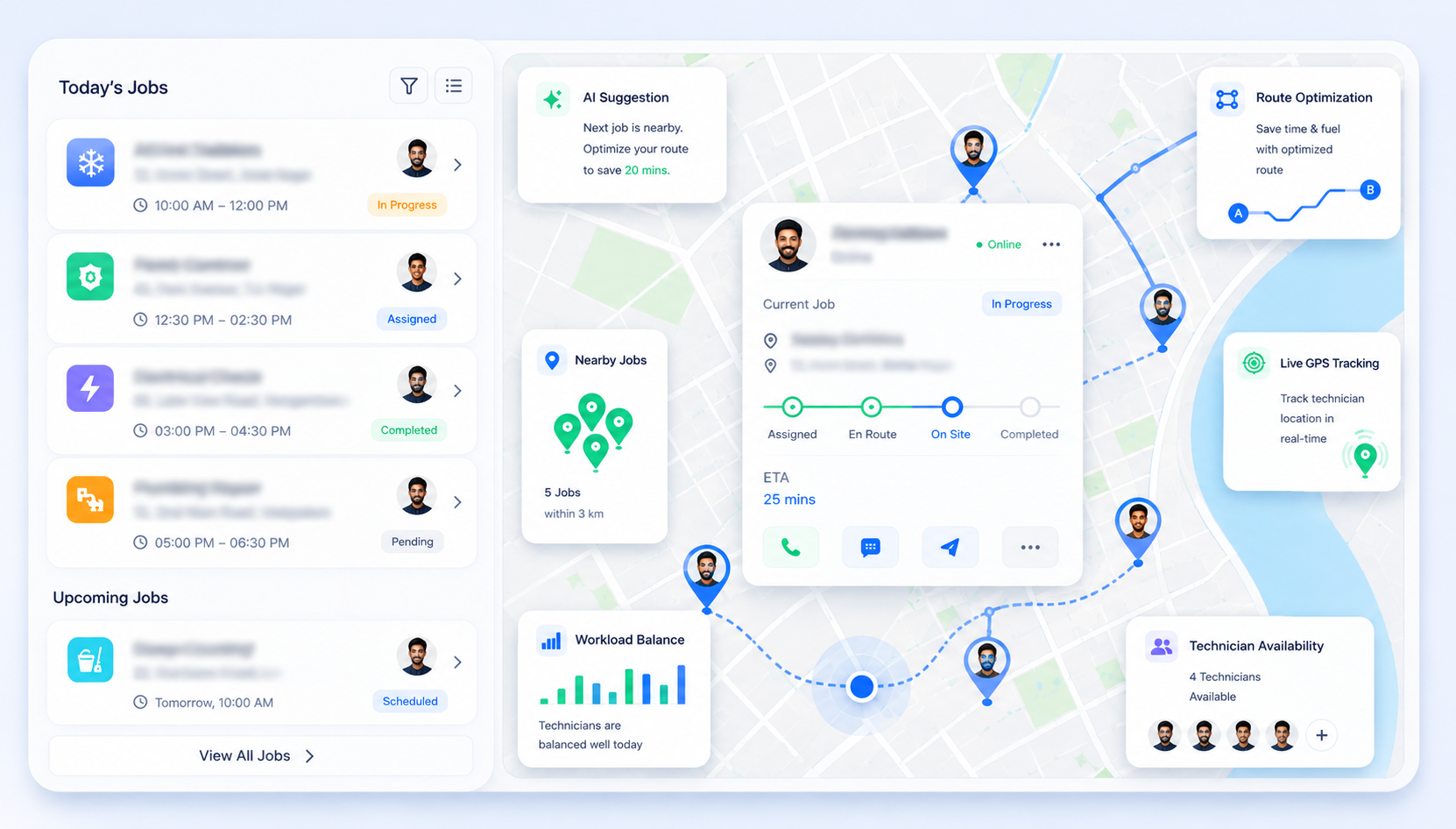
Field technicians need instant access to job information while working on-site. QuikFSM Mobile App keeps your office and field teams connected by providing real-time access to service schedules, customer details, work orders, and job updates.
Powerful Mobile App Features
-
Mobile Work Order Management
-
Real-Time Job Updates
-
Schedule & Dispatch Access
-
Customer & Service History
-
GPS Navigation & Location Access
-
Digital Forms & Checklists
-
Inventory & Parts Management
-
Estimates, Invoices & Payments
-
Photo & Document Uploads
-
Offline Mobile Access
Access and Manage Work Orders Anywhere
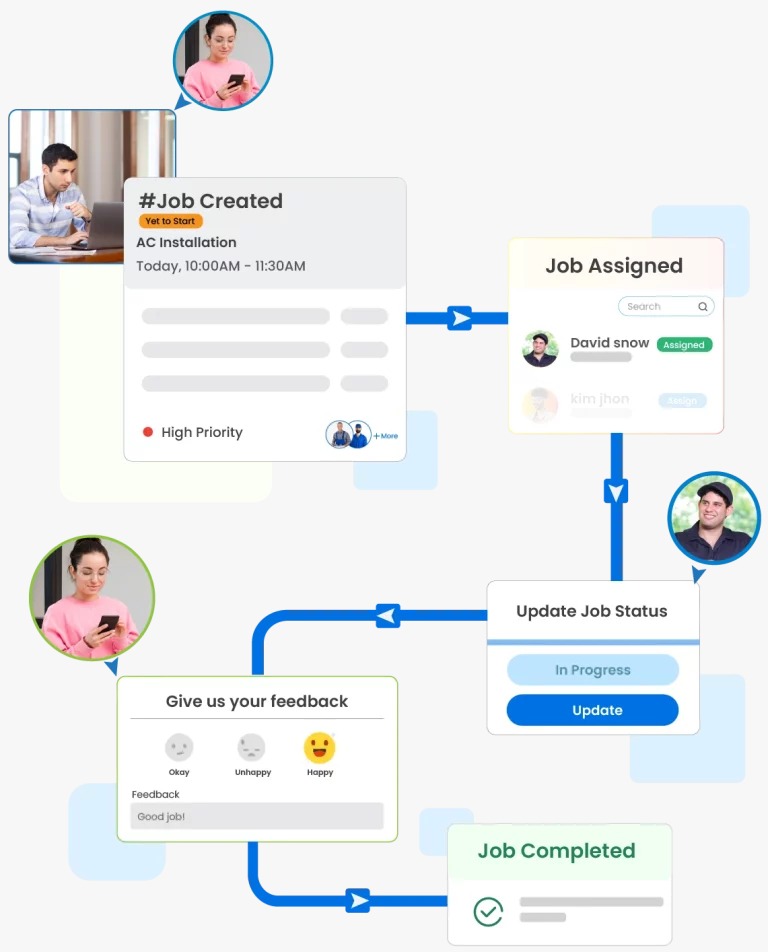
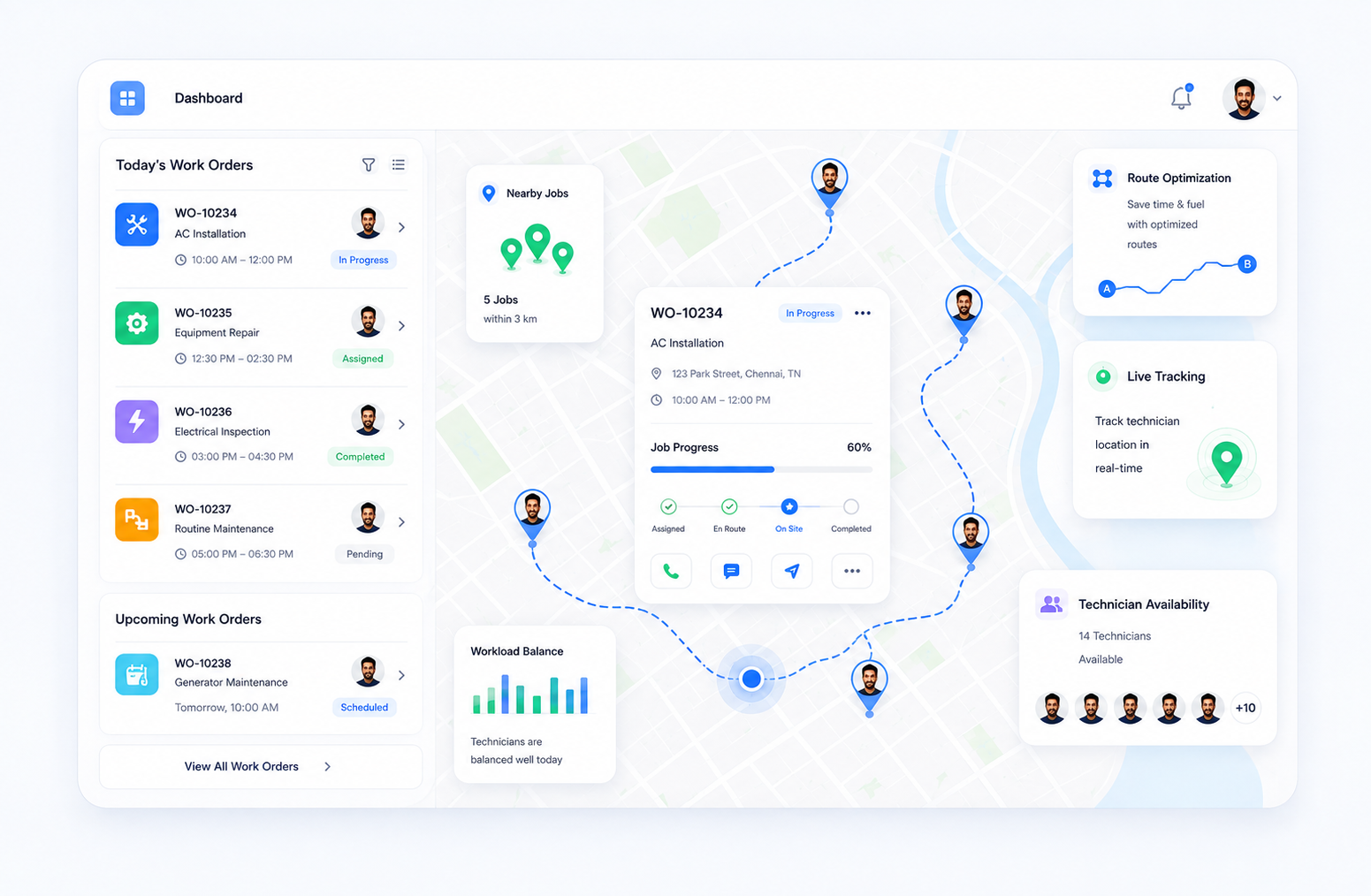
View assigned work orders, update job progress, add notes, and complete service activities directly from the mobile app.
- Faster job execution
- Reduced paperwork
- Real-time updates
- Improved technician productivity
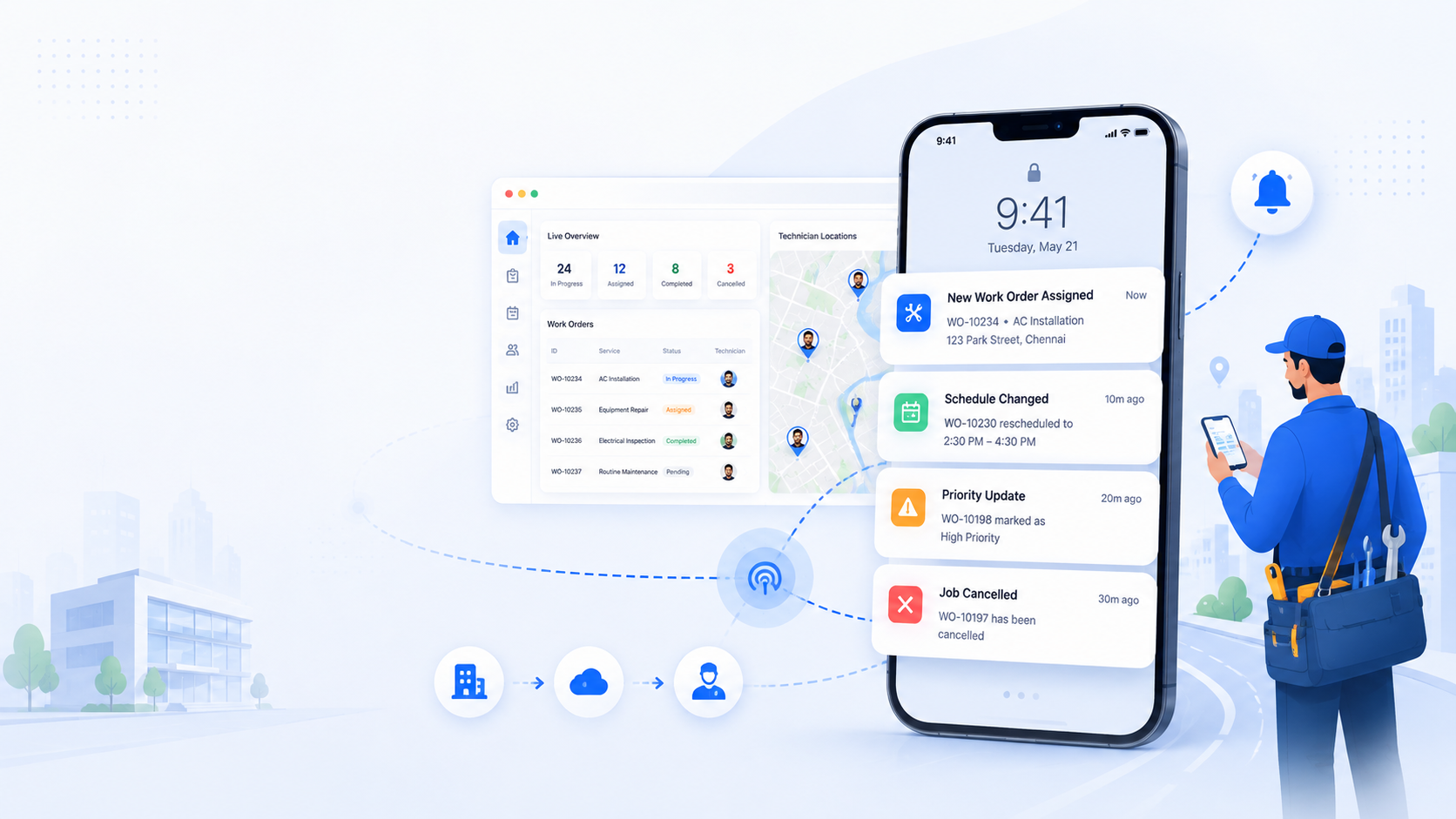
Stay Connected with the Office
Receive instant notifications for new assignments, schedule changes, cancellations, and priority updates while in the field.
- Immediate job notifications
- Better communication
- Faster response times
- Improved coordination
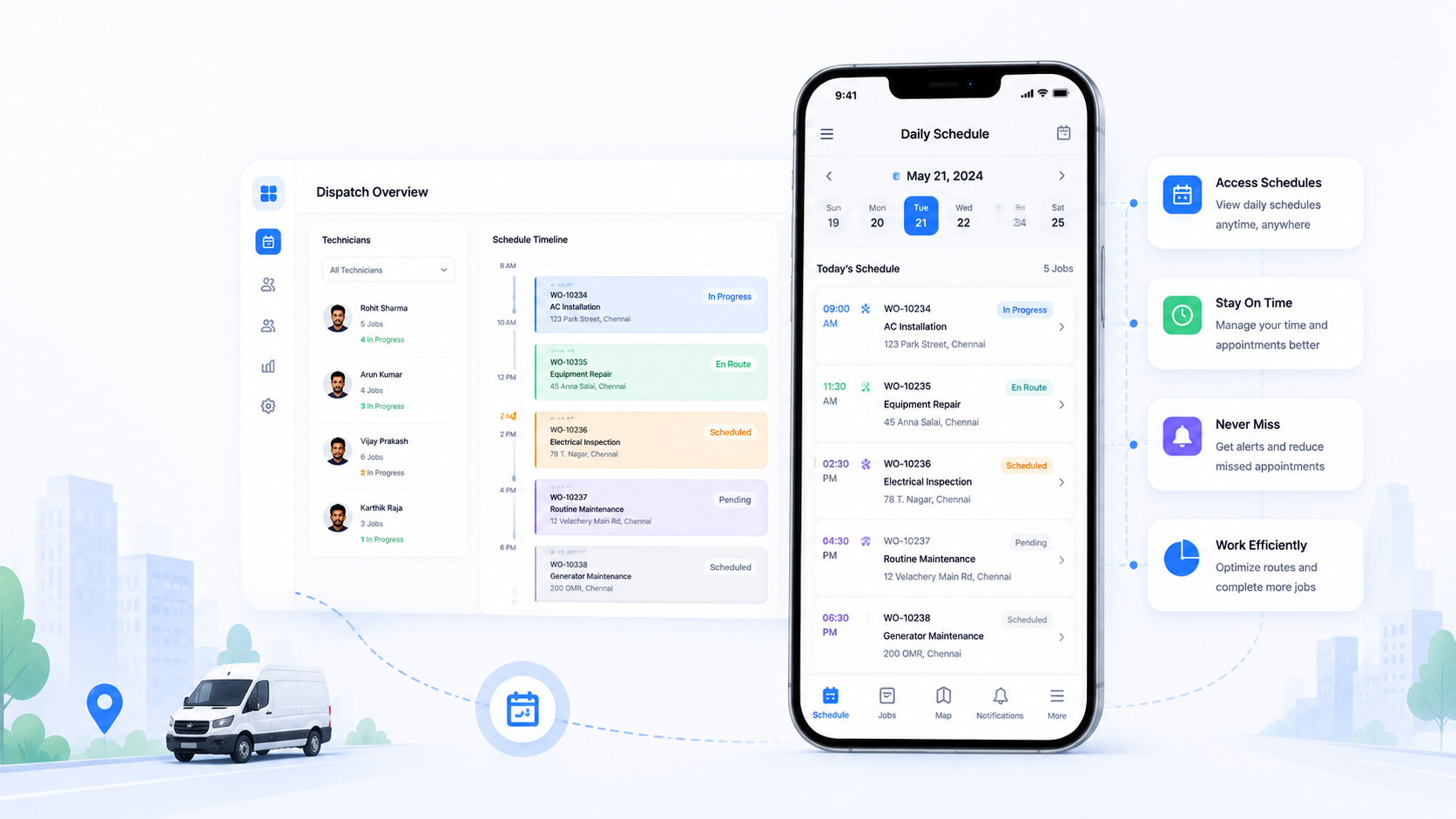
View Daily Schedules on the Go
Access technician schedules, appointment details, and dispatch information from anywhere using your mobile device.
- Better schedule visibility
- Improved time management
- Reduced missed appointments
- Efficient field operations
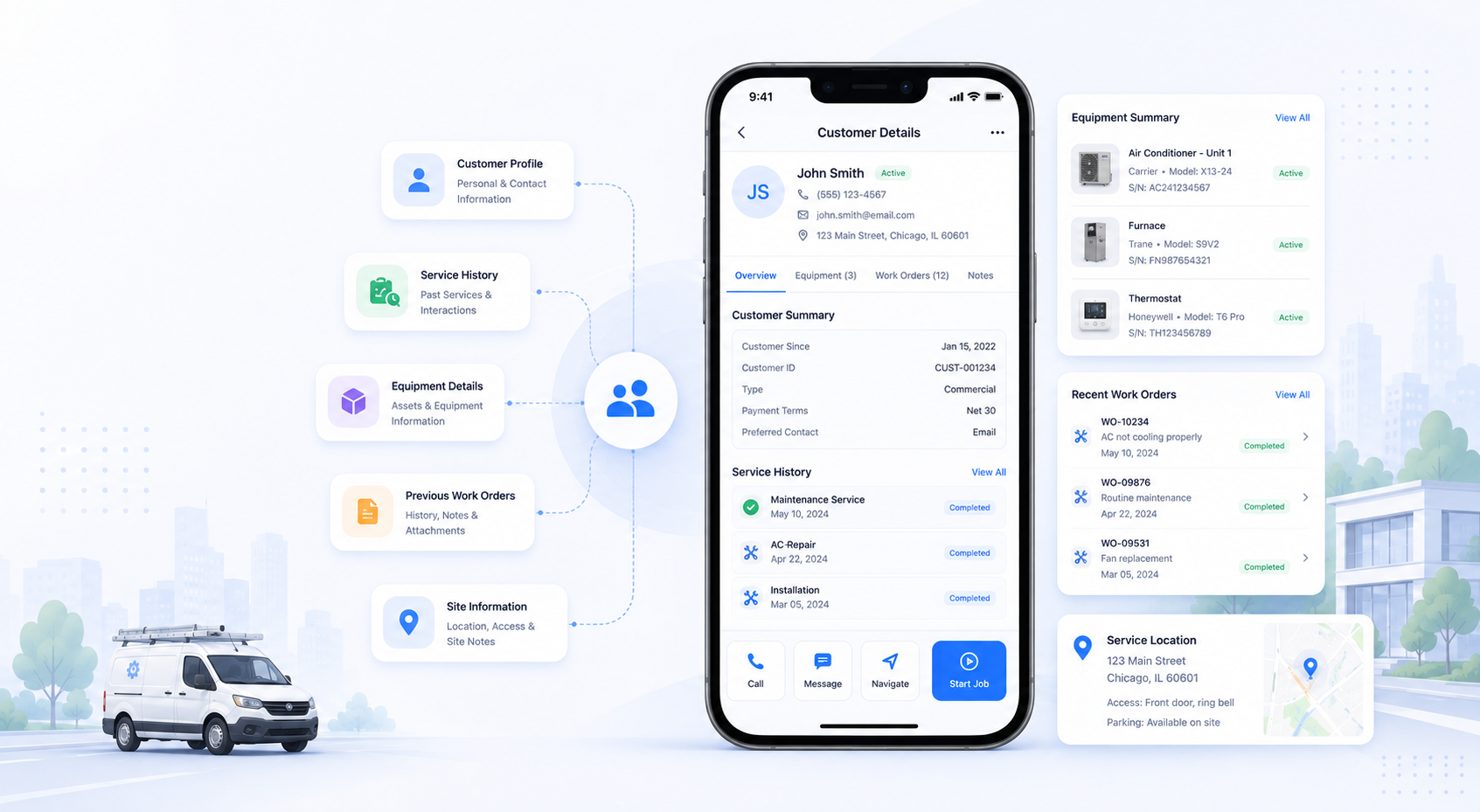
Access Complete Customer Information
View customer profiles, service history, equipment details, previous work orders, and site information before starting each job.
- Better customer service
- Faster issue resolution
- Improved first-time fix rates
- Informed service decisions
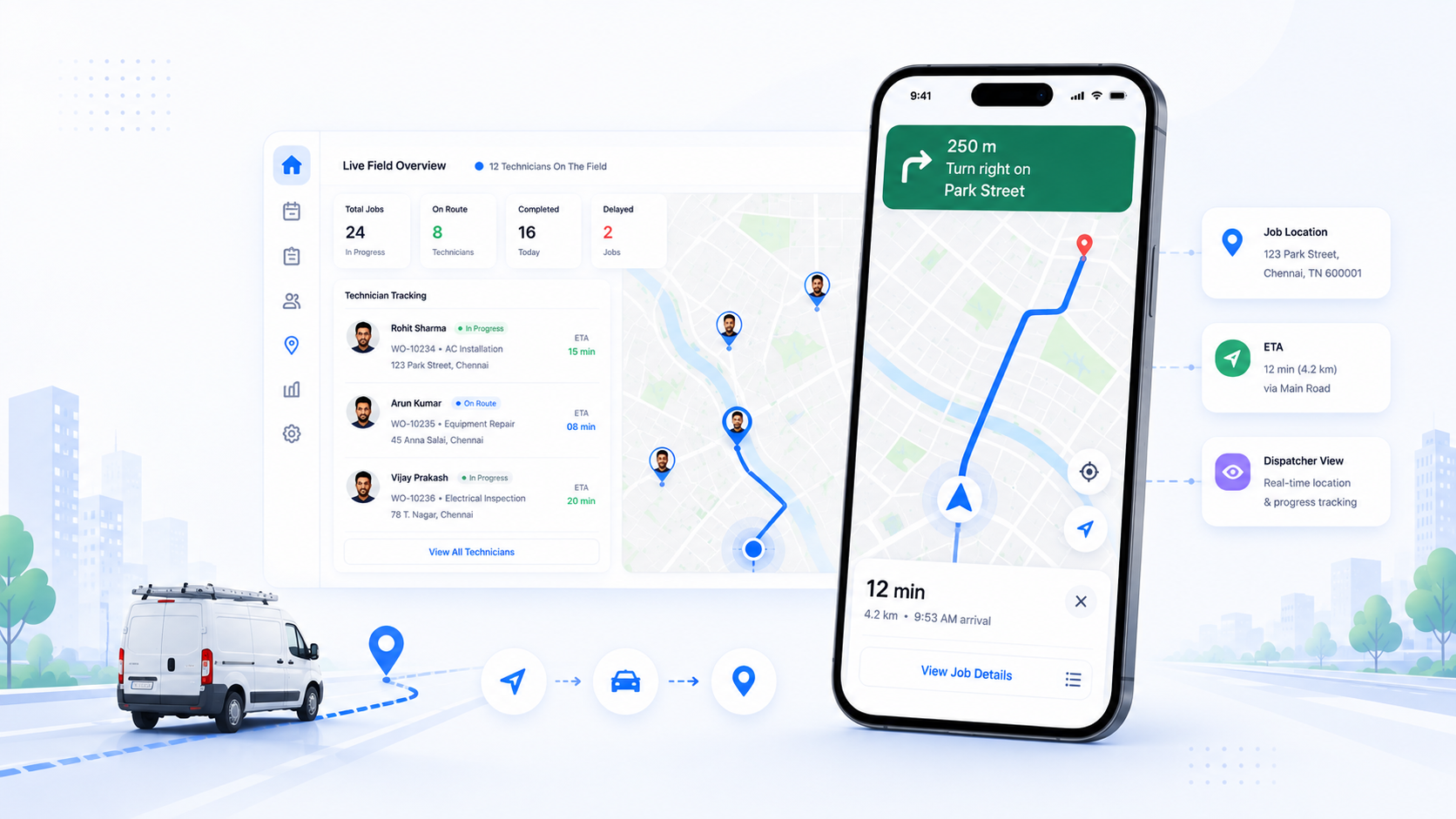
Navigate to Every Job Efficiently
Use built-in maps and GPS navigation to reach customer locations quickly while allowing dispatchers to monitor field activities.
- Faster travel & optimized routes
- Reduced travel time
- Improved field visibility
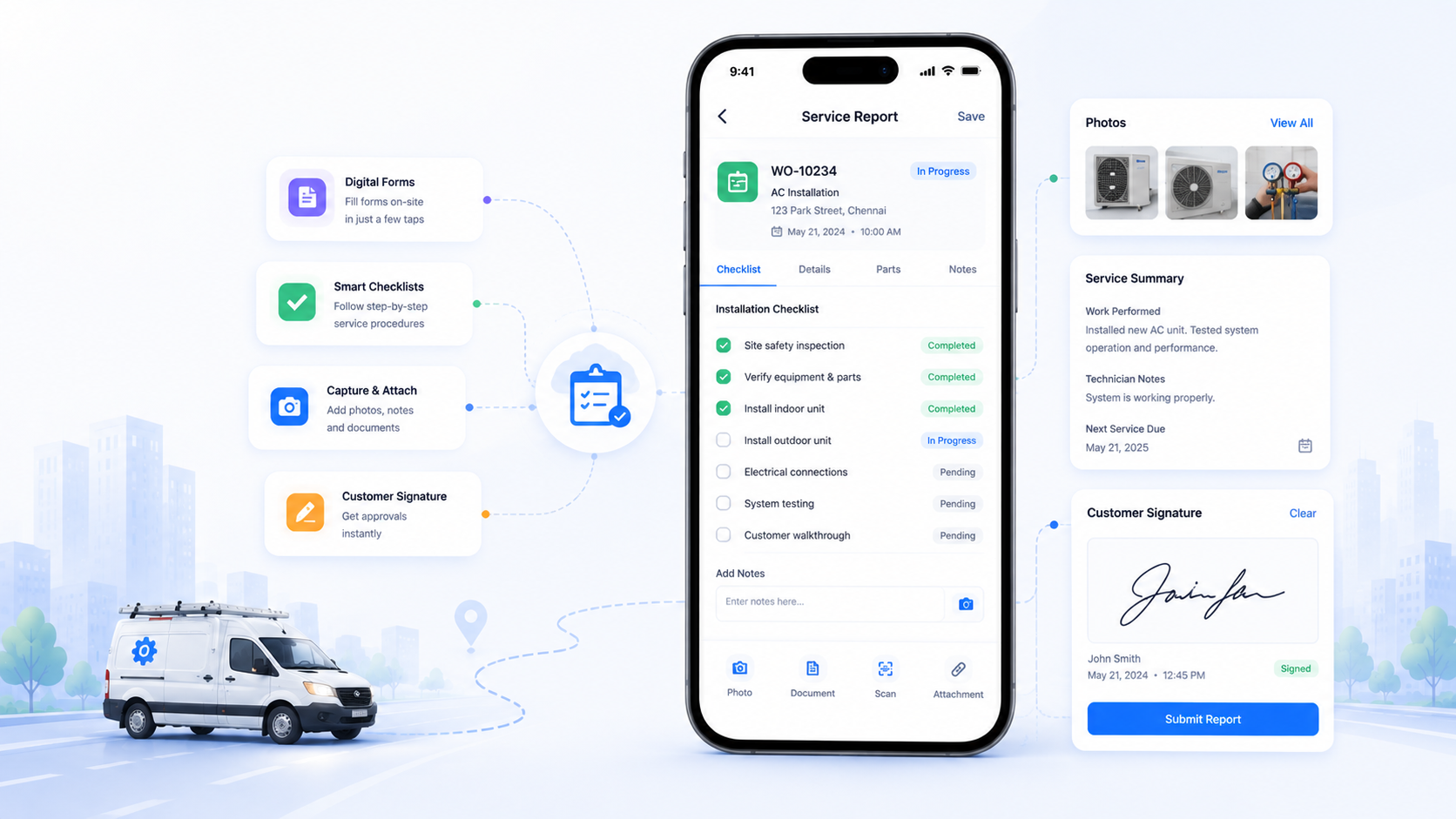
Complete Service Documentation Digitally
Fill out inspection forms, maintenance checklists, service reports, and capture customer signatures directly from the mobile app.
- Paperless documentation
- Accurate data collection
- Standardized service process
- Faster reporting
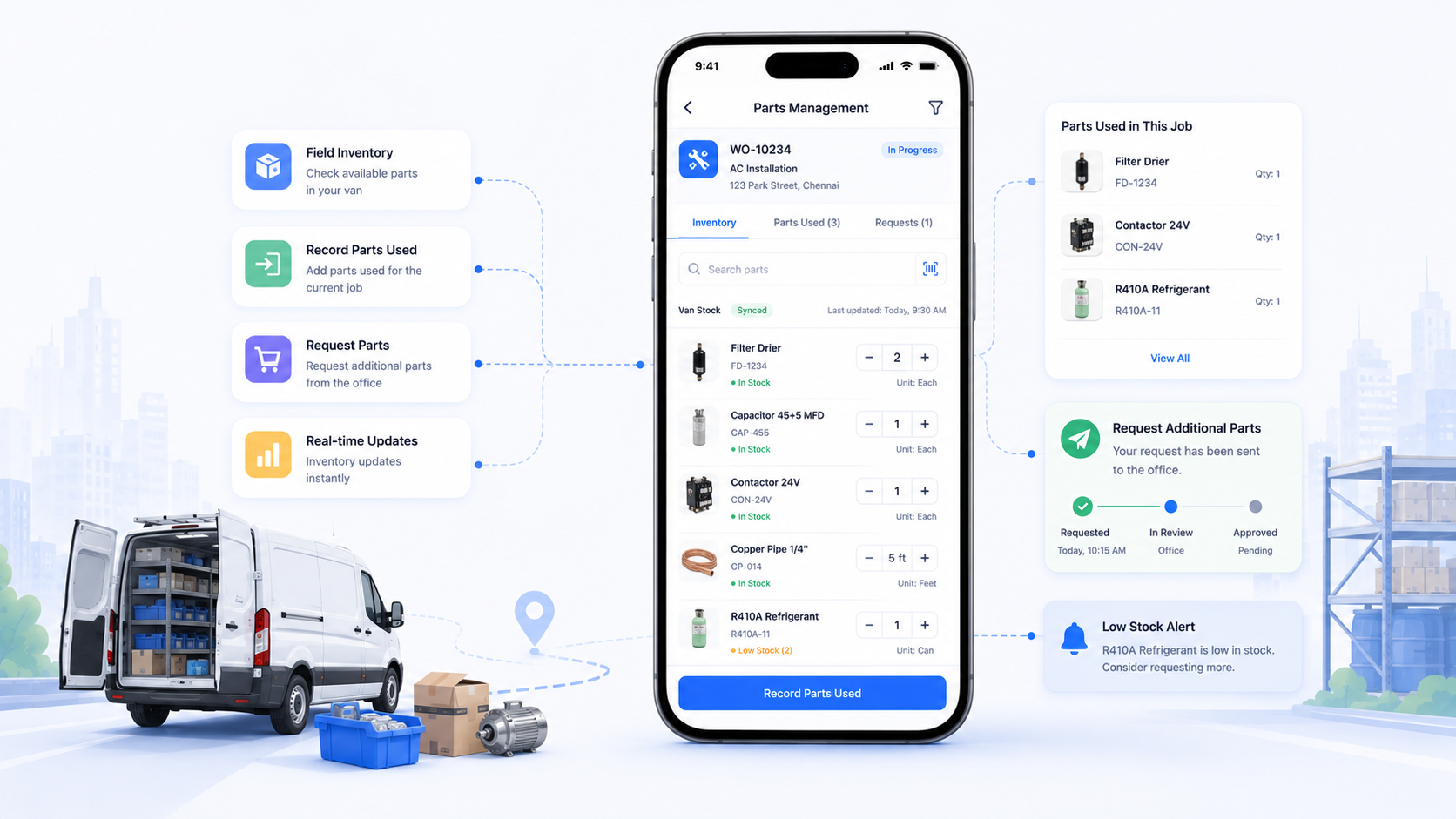
Access Parts Information in the Field
Check technician inventory, record parts used, and request additional materials without contacting the office.
- Better inventory visibility
- Faster parts management
- Reduced service delays
- Improved stock accuracy
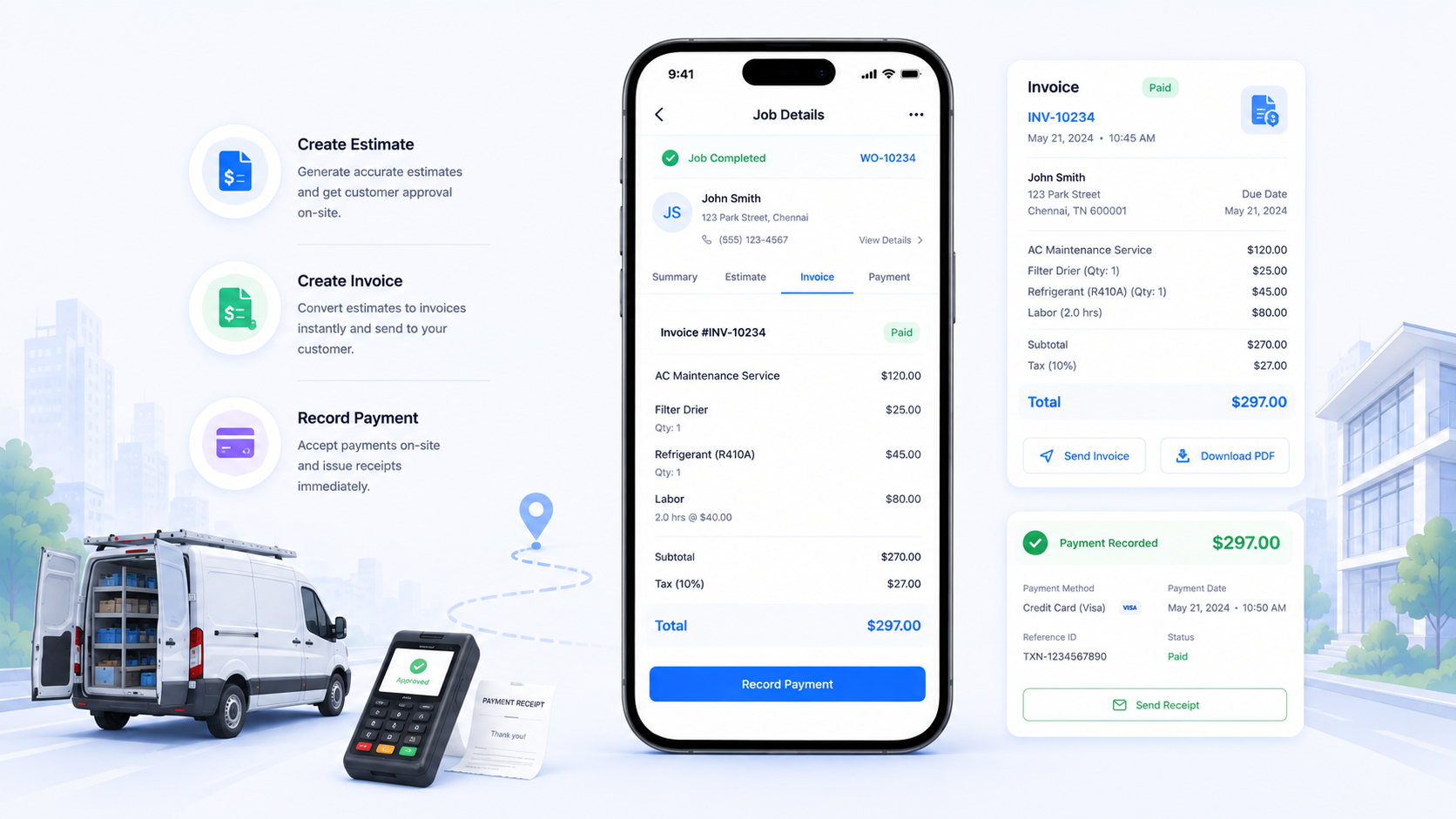
Complete Jobs and Billing on Site
Generate estimates, create invoices, and record customer payments directly from the mobile app after completing a service visit.
- Faster billing & improved cash flow
- Reduced administrative work
- Better customer experience
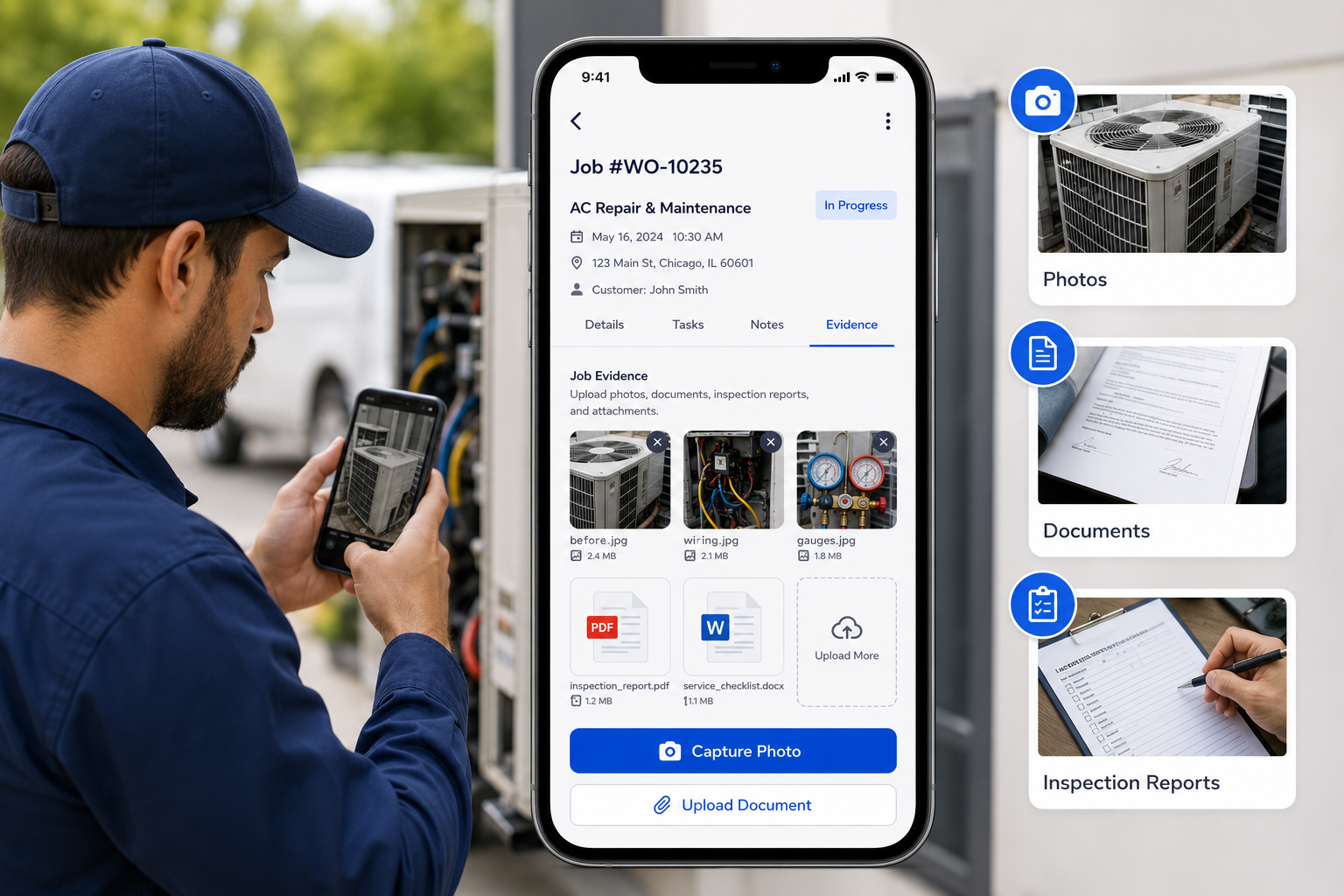
Capture Job Evidence Instantly
Upload photos, documents, inspection reports, and attachments directly to the work order for complete service documentation.
- Better job records & transparency
- Easy document access
- Enhanced service documentation
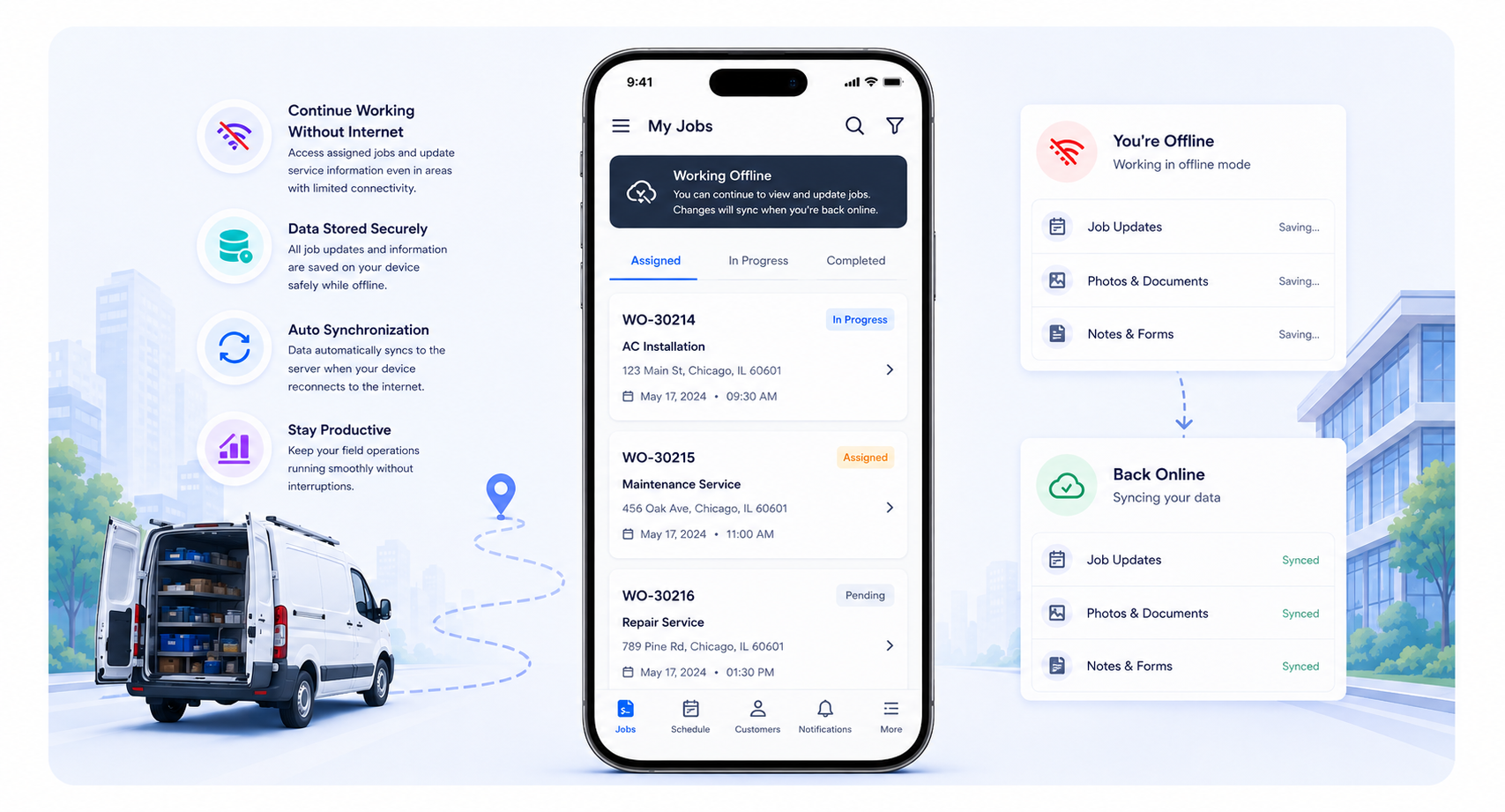
Continue Working Without Internet
Access assigned jobs and update service information even in areas with limited connectivity. Data automatically synchronizes when the device reconnects.
- Uninterrupted field operations
- Reliable data capture
- Better technician productivity
- Automatic synchronization
Frequently Asked Questions
Explore More QuikFSM Features
Work Order Management
Create, assign, and track service work orders from start to completion.
Scheduling & Dispatch
Schedule jobs, assign technicians, and manage field operations with ease.
GPS Tracking
Track technician locations in real time and optimize field operations.
Inventory Management
Manage spare parts, tools, and inventory across locations.
Customer Management
Store customer information and service history in one place.
Invoicing & Billing
Create invoices, track payments, and simplify billing processes.
Ready to Empower Your Field Workforce?
Give your technicians everything they need to manage jobs, capture service information, and deliver exceptional customer service with the QuikFSM Mobile Field Service App.